
The Visual Grammar of Casey Neistat's B-Roll Cuts
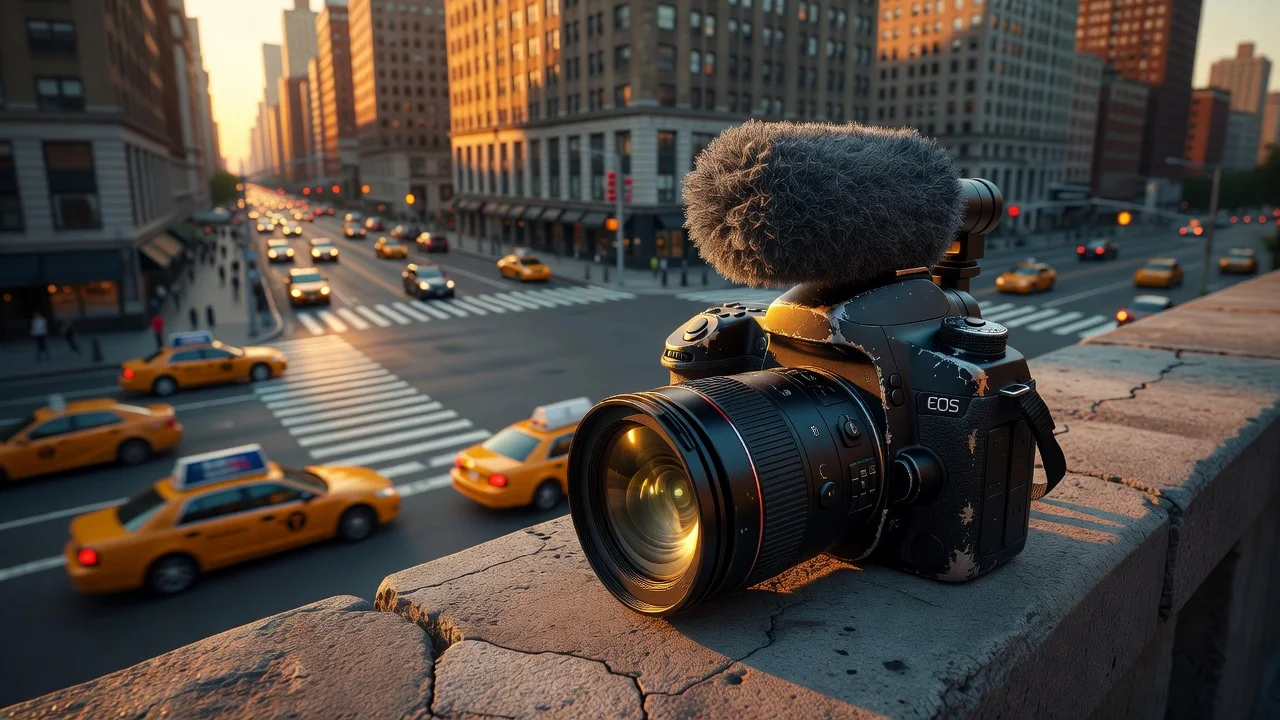
Casey Neistat changed how people document their lives on the internet. Before his daily vlog run from 2015 to 2017, YouTube daily vlogs were mostly chronological, unedited streams of consciousness. Creators would hold a camera at arm's length and talk until they ran out of things to say. Then Neistat introduced a specific cinematic language to daily video creation. The foundation of this language is the visual grammar of Casey Neistat B-roll cuts. He combined jump cuts, aggressive sound design, and physical camera placement to turn mundane travel into compelling narrative momentum.
His background in traditional filmmaking and television production deeply influenced this approach. He applied the strict rules of commercial editing to the loose format of a daily vlog. The result was a fast-paced, highly structured daily video that felt entirely spontaneous. Understanding how he built these videos requires looking closely at the mechanical choices made in the editing timeline.
B-Roll as Narrative Progression
Traditional video editing uses B-roll footage to cover mistakes. If an interview subject stumbles over a word, the editor cuts to a shot of a relevant object while the audio continues underneath. This hides the cut and keeps the viewer distracted.
Neistat treats B-roll entirely differently. His B-roll drives the story forward. He uses establishing shots, detail shots, and transit montages to communicate information without speaking. If he needs to travel from his Tribeca studio to midtown Manhattan, he does not film himself sitting in a taxi talking about the traffic. He builds a sequence of cuts that shows the journey.
A standard Neistat transit sequence relies on a strict order of operations. He starts with a wide shot of the environment. He follows this with a medium shot of his mode of transportation. He concludes with a tight detail shot of an action, like a hand grabbing a skateboard or pushing an elevator button. This establishes geography, method, and intent in under four seconds.
| Editing Element | Traditional Vlog Approach | The Neistat Approach |
|---|---|---|
| Purpose of B-Roll | Covering audio cuts and mistakes | Advancing the narrative sequence |
| Camera Placement | Exclusively handheld, arm's length | Placed on the ground, walls, or ledges |
| Audio Treatment | Camera scratch mic only | Heavily mixed with music and sound effects |
| Transition Style | Cross-dissolves or simple hard cuts | Cutting on action or musical downbeats |
| Pacing Mechanism | Dictated by the spoken dialogue | Dictated by the underlying music track |
This deliberate structure forces the viewer to pay attention to the visual information. The audience learns to read the cuts. A shot of the sun setting over the Hudson River communicates the passage of time. A shot of a half-drank coffee cup communicates the beginning of a workday. The visual grammar relies on the audience understanding these recurring symbols.
The Physicality of the Camera
Vlogging is inherently a first-person medium. The creator is usually the operator and the subject simultaneously. Neistat routinely broke this rule by introducing a third-person perspective to his solo videos. He achieved this through the aggressive physical placement of his camera equipment.
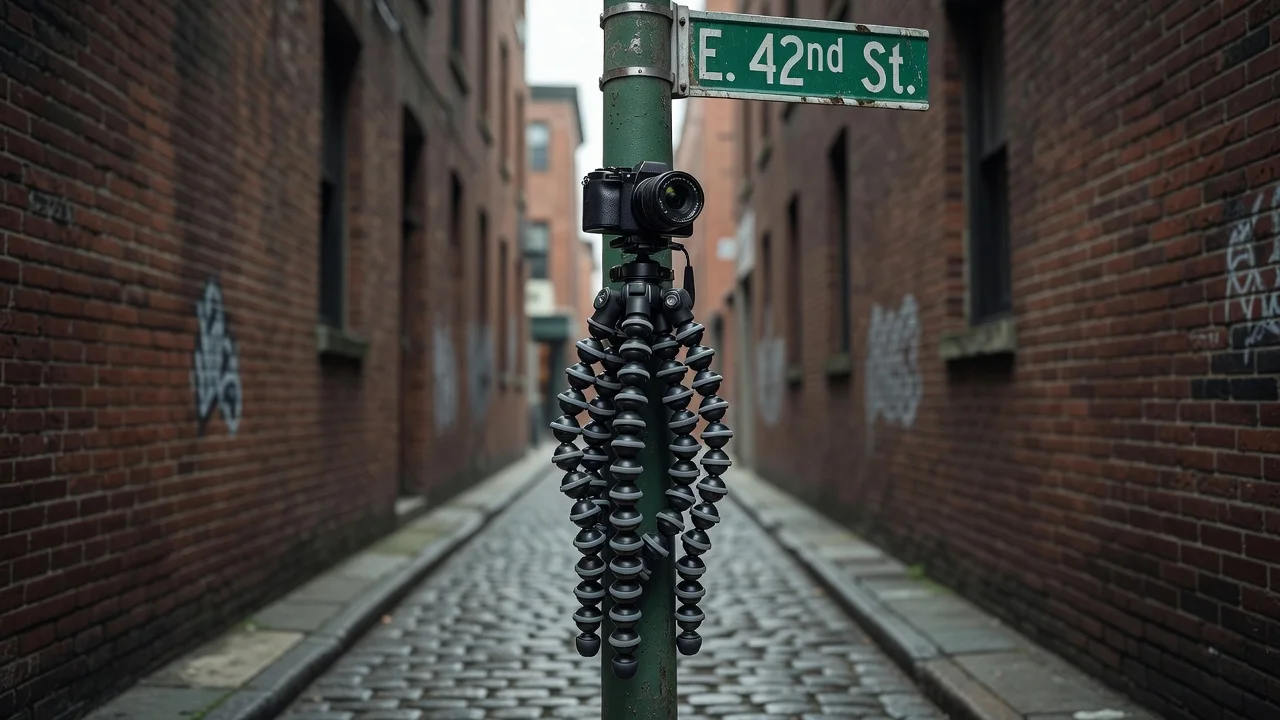
He popularized the use of the flexible GorillaPod tripod. He used this tool to attach his camera to street signs, scaffolding, and fences. This allowed him to frame wide shots of himself walking away from the lens.
The inclusion of the set-up and tear-down process is a crucial part of his visual grammar. He frequently includes the footage of his hand reaching toward the lens to retrieve the camera after walking past it. This breaks the fourth wall. It reminds the viewer that a physical object is recording the scene. It grounds the video in reality.
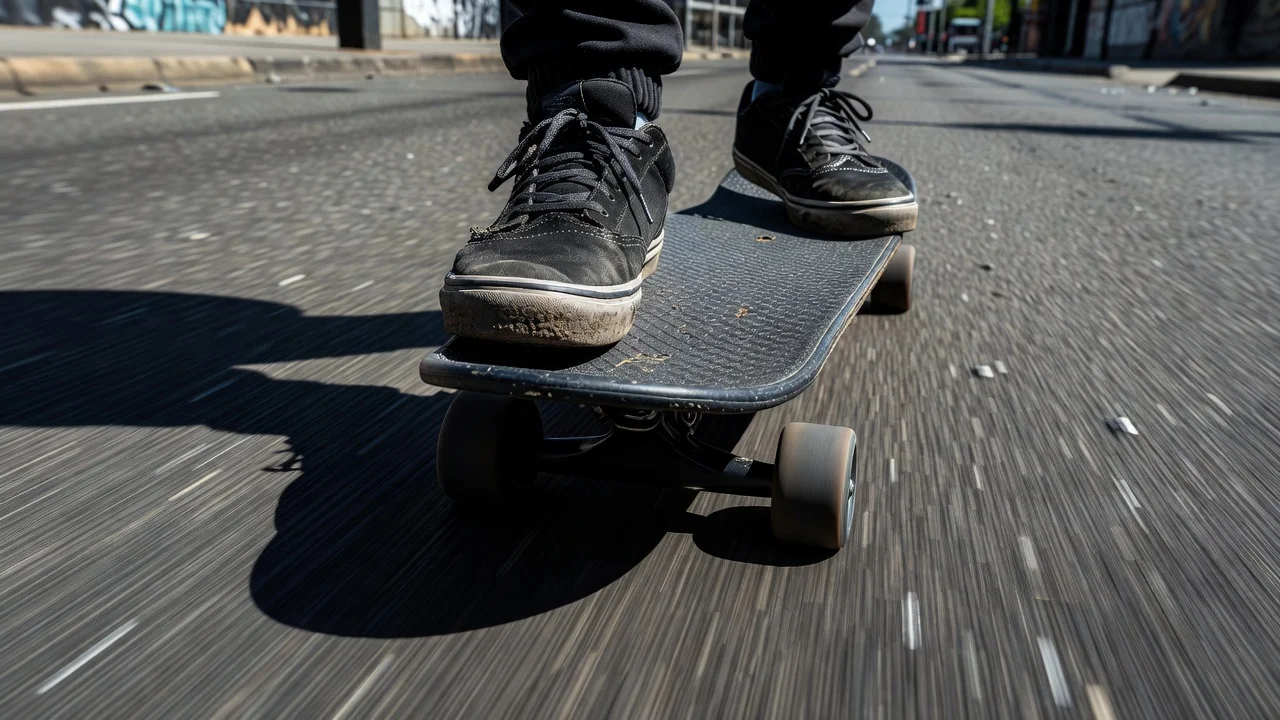
When he rides an electric skateboard through New York traffic, he uses a selfie stick to capture a low-angle tracking shot. He keeps the camera close to the pavement to exaggerate the sense of speed. The vibration of the wheels on the asphalt translates directly into the camera shake. This physical feedback makes the footage feel raw and energetic.
Sound Design and Rhythmic Editing
Audio is half of the viewing experience. Neistat's editing style relies heavily on the interplay between music and ambient sound. He sources instrumental hip-hop tracks with strong drum beats. He uses these tracks as the metronome for his editing timeline.
Every major visual change happens on a snare hit or a kick drum thump. This rhythmic cutting creates a sense of continuous forward motion. While modern creators might study How MrBeast Uses Pattern Interrupts Every 4 Seconds to maintain viewer retention, Neistat used rhythm and musical structure to achieve a similar level of engagement. The viewer subconsciously anticipates the next cut based on the beat of the music.
He also utilizes J-cuts and L-cuts extensively. A J-cut occurs when the audio from the next scene starts playing before the visual changes. An L-cut occurs when the video cuts to the next scene, but the audio from the previous scene continues playing.
Neistat uses J-cuts to introduce new locations. You hear the screech of a subway train two seconds before you see the underground platform. This prepares the viewer for the visual transition. It smooths out the jarring nature of jumping across the city in a single edit.
He is equally deliberate with silence. He routinely cuts the music track completely abruptly. He does this to emphasize a spoken punchline or to highlight a loud environmental noise, like a siren or a slamming door. This stark contrast between loud music and sudden silence demands the viewer's attention.
Time Compression and the Timelapse
Daily vlogging requires condensing 24 hours of life into ten minutes of video. Time compression is a logistical necessity. Neistat turned this necessity into a stylistic signature through his use of the timelapse.
He does not use timelapses simply to show pretty clouds moving over a skyline. He uses them as narrative act breaks. A daily vlog usually contains distinct chapters: morning routine, the workday, the evening event. The timelapse serves as the commercial break between these chapters.
He employs different types of timelapses for different emotional effects. A stationary wide shot of a busy intersection emphasizes the chaotic energy of the city. A moving hyperlapse down a long hallway builds anticipation for a meeting or an event.
He frequently uses a mechanical egg timer to create panning timelapses. He mounts his camera or phone to the rotating top of the timer. As the timer ticks down over 60 minutes, the camera slowly pans across the landscape. This adds dynamic movement to an otherwise static technique.
The duration of the timelapse on screen is carefully managed. He rarely lets a timelapse run for more than five seconds. He understands that the visual information is absorbed quickly. Holding on the shot for too long destroys the pacing established by the surrounding footage.
The Studio as a Visual Character
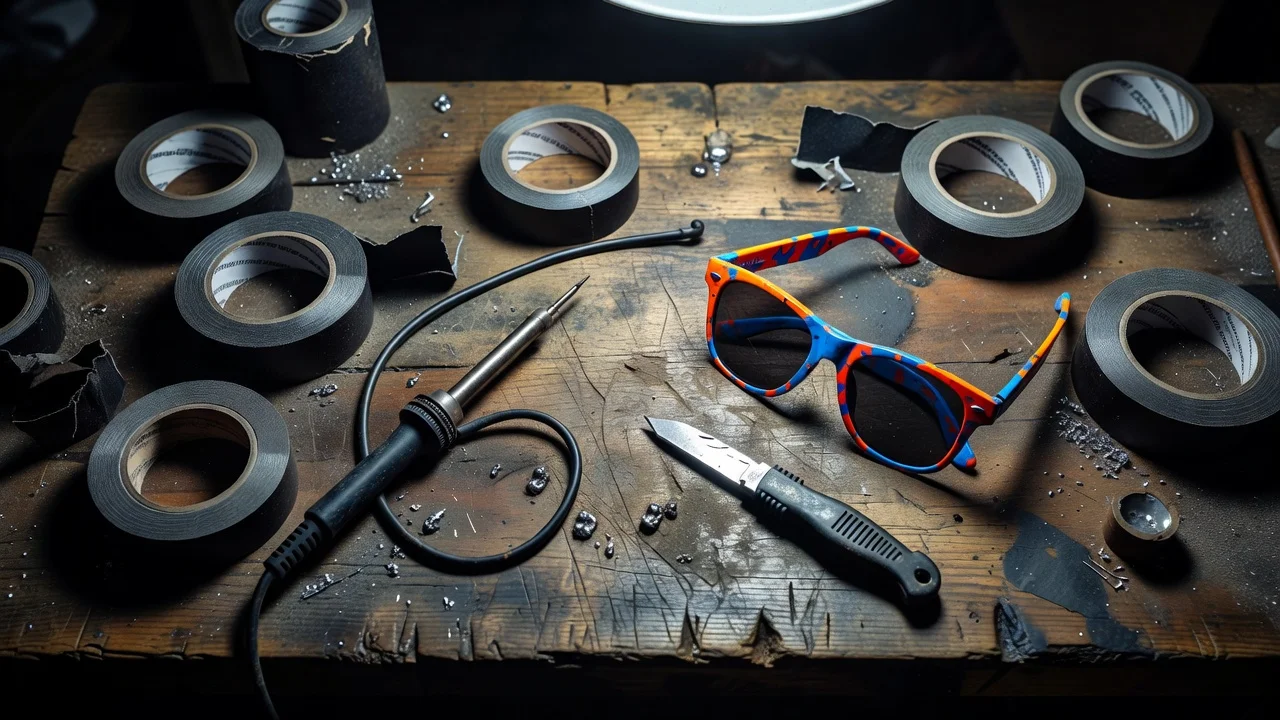
Neistat's editing style extends to the physical design of his environment. His studio is highly organized but visually chaotic. Every tool, cable, and camera has a specific place, usually labeled with black marker on white tape.
This environment provides an endless supply of visually dense B-roll. When he needs to explain a complex concept, he often uses overhead shots of his hands manipulating objects on his workbench. He builds literal models out of cardboard and tape to illustrate abstract ideas.
This tactile approach to storytelling contrasts sharply with the digital graphics used by many creators. It reinforces the homemade, DIY aesthetic of the vlog. The visual texture of scratched sunglasses, dented camera bodies, and peeling paint communicates authenticity.
He also utilizes stop-motion animation within his daily edits. He takes dozens of still photographs of an object moving slightly between frames. When played back at 24 frames per second, the object appears to move on its own. This technique is incredibly time-consuming, but the visual payoff is significant. It adds a layer of crafted artistry to a format usually defined by quick-and-dirty production.
Color Grading and the Raw Aesthetic
The visual grammar relies heavily on contrast. Neistat frequently cuts between raw, uncorrected footage from a small point-and-shoot camera and highly polished, color-graded footage from a professional cinema camera or a drone.
He does not try to match the color profiles of these different cameras perfectly. He allows the small camera to look slightly blown out in the highlights and noisy in the shadows. This visual imperfection signals to the viewer that this footage is documentary in nature. It captures the raw reality of the moment.
When he switches to the drone footage or the cinema camera, the colors are rich and saturated. The skies are deep blue, and the city lights glow warmly. This polished footage is reserved for establishing shots and moments of reflection.
The hard cut between these two distinct looks creates visual friction. It keeps the viewer engaged by constantly shifting the aesthetic parameters of the video. It reminds the audience of the vast scale of the city compared to the small scale of the individual creator navigating it.
The Influence of the Jump Cut
The jump cut is the most basic tool in the vlogger's kit. It involves removing a section of time from a continuous take. This eliminates pauses, breaths, and mistakes.
Neistat uses jump cuts aggressively during his spoken monologues. He removes almost all dead air. This creates a rapid-fire delivery that forces the viewer to listen closely. The visual jarring of the subject shifting slightly in the frame with every cut adds to the frantic energy.
He also uses jump cuts in his B-roll to accelerate physical actions. If he needs to show himself building a shelf, he will lock the camera on a tripod. He films the entire process. In the edit, he cuts out 90% of the footage. He leaves only the key moments of the construction. The viewer sees the shelf assemble itself in a matter of seconds.
This technique respects the viewer's time. It provides the satisfaction of seeing a project completed without the boredom of watching the tedious labor required to finish it.
Applying the Grammar to Modern Video
Understanding this visual language is useful for anyone creating video content today. The specific cameras and editing software have changed, but the underlying principles of pacing, physical placement, and audio design remain highly effective. Incorporating these techniques requires planning before you press record.
- Identify the destination or the goal of the sequence before shooting the journey.
- Record at least 10 seconds of clear ambient room tone for every new location to use in audio mixing.
- Place the camera physically in the environment to capture third-person perspective shots.
- Cut video clips on the downbeat or the snare hit of the background music track.
- Combine wide establishing shots with extreme close-up detail shots to build a complete scene quickly.
- Use J-cuts to introduce the audio of a new location before the video transitions.
- Include the physical interaction with the camera (setting it down, picking it up) to ground the footage in reality.
These steps shift the editing process from reactive to proactive. You are no longer just cutting out the bad parts of a clip. You are actively building a rhythmic structure that guides the viewer's attention.
The Enduring Impact of the Style
The visual grammar of Casey Neistat B-roll cuts established a baseline for modern internet video. He proved that daily content did not have to look sloppy or unconsidered. By applying traditional filmmaking techniques to a disposable medium, he elevated the entire vlog genre.
Creators across YouTube, TikTok, and Instagram still rely on the vocabulary he popularized. The rhythmic editing, the aggressive camera placement, and the narrative use of B-roll are now standard tools in the digital creator's inventory. Studying his timeline choices reveals a masterclass in visual communication that prioritizes forward momentum above all else.
Keep reading
Leveraging Long Form Content in Short Form Format
Master the art of content repurposing by transforming deep research into high-velocity short form clips. Learn to maximize your reach and engagement today.
The Hidden Reason Your Most Loyal Fans Are Skipping Your Newest Uploads
Uncover the psychology of audience fatigue and learn the content strategy needed to regain the attention of your most loyal subscribers today.
Why High Quality Production Isn't Saving Your Retention Rate
Learn why expensive camera gear and 4K resolution are failing to keep your audience engaged and how to master true psychological retention.