Advertise to 12,000 users daily
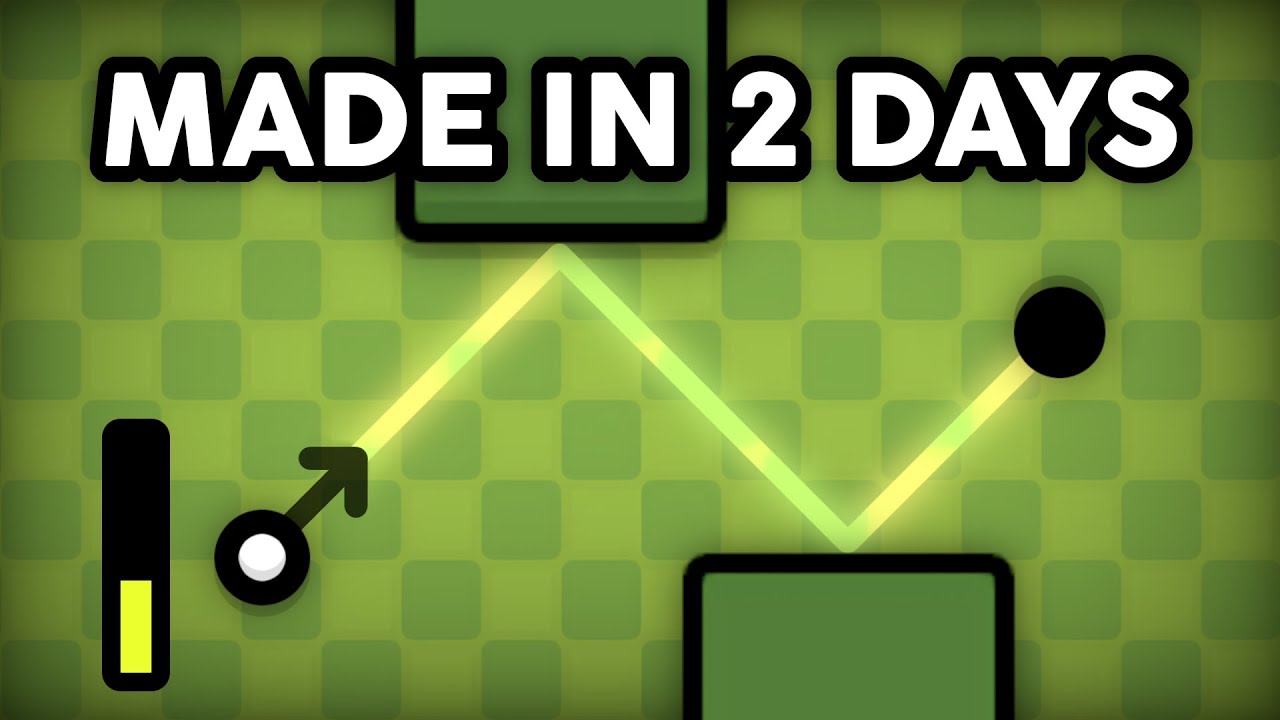

Making a Game With C++ and SDL2

Views
Likes
Dislikes
Comments
Spotlight
Add MeYouTube Dislikes are provided by ReturnYoutubeDislike.com.
About Making a Game With C++ and SDL2
Making a Game With C++ and SDL2 - GMTK Game Jam 2021 A year ago, in my "Learning SDL2 in 48 Hours" video, I used the 2020 GMTK Game Jam as an opportunity to try to learn how to use C++ with SDL2 (a low level audio, input, and graphics library that you've probably heard of). In this video, I attempt the challenge again, for the GMTK Game Jam 2021! Check out Twini-Golf here: https://polymars.itch.io/twini-golf → Source Code: https://github.com/PolyMarsDev/Twini-Golf Codergopher's SDL2 series: https://youtu.be/KsG6dJlLBDw?list=PL2RPjWnJduNmXHRYwdtublIPdlqocBoL → Twitter: https://twitter.com/PolyMarsYT → Twitch: https://twitch.tv/PolyMars → Join the PolySpace Discord: https://discord.gg/sGecnxuwxu ---Chapters--- 0:00 Intro 0:29 Setting Up SDL2 0:45 The Theme (bruh) 1:11 My Secret Plan... 1:34 Entity & RenderWindow Class 1:46 Drawing a Sprite 2:12 My Game Idea 2:37 Initial Prototype 2:55 Prototype Code Explanation 3:39 Prototype Art 3:49 Tiles & Collisions 4:05 Collision Code Explanation 4:23 More Art & Directional Indicator 4:34 Level Saving/Progression 5:17 wait frick 5:38 Creating UI 6:07 DESIGNING LEVELS FAST 6:40 Sound Effects 6:47 Finishing Touches 7:08 Secret "Feature" 7:33 Conclusion ---Music (in order played)--- "Smooth and Cool" - Nico Staf (https://youtu.be/mdrKkx7ATl0) "Westview" - INTRNLCMD (https://soundcloud.com/intlcmd) "Trance Music for Racing Game" - Bobby Cole (https://youtu.be/tJFqdLg58i4) "Playtime" - Peter Godfrey (https://youtu.be/MqtACTZMHm8) "il vento doro" - JoJo's Bizarre Adventure: Golden Wind "Dreaming" - Stevia Sphere (https://youtu.be/pYx0VmFfyg4) "I Miss Summer" - Sro (https://youtu.be/8xCKEulJd80) "Bush Week" - Nihilore (https://youtu.be/UroytzJSVx4) "Glider" - INTRNLCMD (https://soundcloud.com/intlcmd) "Operatic 3" - Vibe Mountain (https://youtu.be/v8UtWLngE1s) "Breeze" - PolarChips (https://youtu.be/GecPK2wfk_8) "Palms and Seagulls" - Timecrawler 82 (https://youtu.be/q-sbGy3oeSk) "Above All" - HOME (https://youtu.be/qptMg0JWmFY) --If you liked this video, here are similar ones you might enjoy!--- PolyMars - Learning SDL2 in 48 Hours - GMTK Game Jam 2020 https://youtu.be/EAMHQfCGymg PolyMars - Learning Python in 2 Days - Pygame Community Jam https://youtu.be/7tXsC8YlCq8 PolyMars - Making a Game Using Discord's Bot API https://youtu.be/0fWdU8JCT6Y Barji - Making a C++ Game with No Experience! https://youtu.be/4-sX-TtRR98 Randall - Programming a New Physics Engine for my Game https://youtu.be/AGnMNor_r-Y CodyCantEatThis - I Made The Legend of Zelda Boss Fights but they’re 3D https://youtu.be/AbV7gVCndIE Dani - Adding a Dragon Boss to my Game Because Steam is Mad at me https://youtu.be/qPly1M-JEqc Dani - He said I Couldn’t Make a 3D Game… So I Made One! https://youtu.be/rb0EhmyQ0aM Sam Hogan - I Made a Game with Intentional Bugs https://youtu.be/M_iiXaaF5T4 Sam Hogan - I Made the Hardest Game Ever https://youtu.be/wFJQI5iNjM8
Embed Making a Game With C++ and SDL2's Count on Your Website!
Have you ever wanted to put ANY Social Counter on your own website? We've made it possible with Embed feature!
Simply copy and paste below's code wherever you want to place it on your site!
Or... Do you want to embed our counts in streaming software (such as OBS)? Don't worry, we are supporting that as well!
Simply make new Browser Source and below's string into URL field!
About YouTube Live View Counter
YouTube Live View Counter is the best way to check your Favorite Creator's Statistics updated in real-time! Data seen on Most Social Medias might be inacurate or delayed, that's why Livecounts.io came with idea for YouTube Live View Counter!
Everything is directly taken from official API Service provided by Social Networks. Every single count is updated every 2 seconds and is as accurate as possible.
To search for specific channel simply click "Change User" button below Follower Count Box, type your favorite creator's username and you're good to go! This IS NOT case-sensitive thus you type for example "MrBeast" or "MrBeAsT" and it should still work!
If you're interested in watching Follower Count battle then navigate to Compare Page below Follower Count Box or on Navigation Bar.
Thanks for using YouTube Live View Counter! If you have any idea to improve the website then feel free to get in touch with us it on our Twitter page.
Track Any Social Media Platform
We've got a wide range of social networks to choose from and track for.




Compare Users of Any Social Media Platform
Have you ever wanted to compare creators across different Social Media Platforms? With Livecounts.io we've made it possible.